














Your profile photo introduces you before the conversation begins. Aim for a picture that feels welcoming and gives an honest impression of the person someone will meet on camera.
Start with a recent photo of yourself
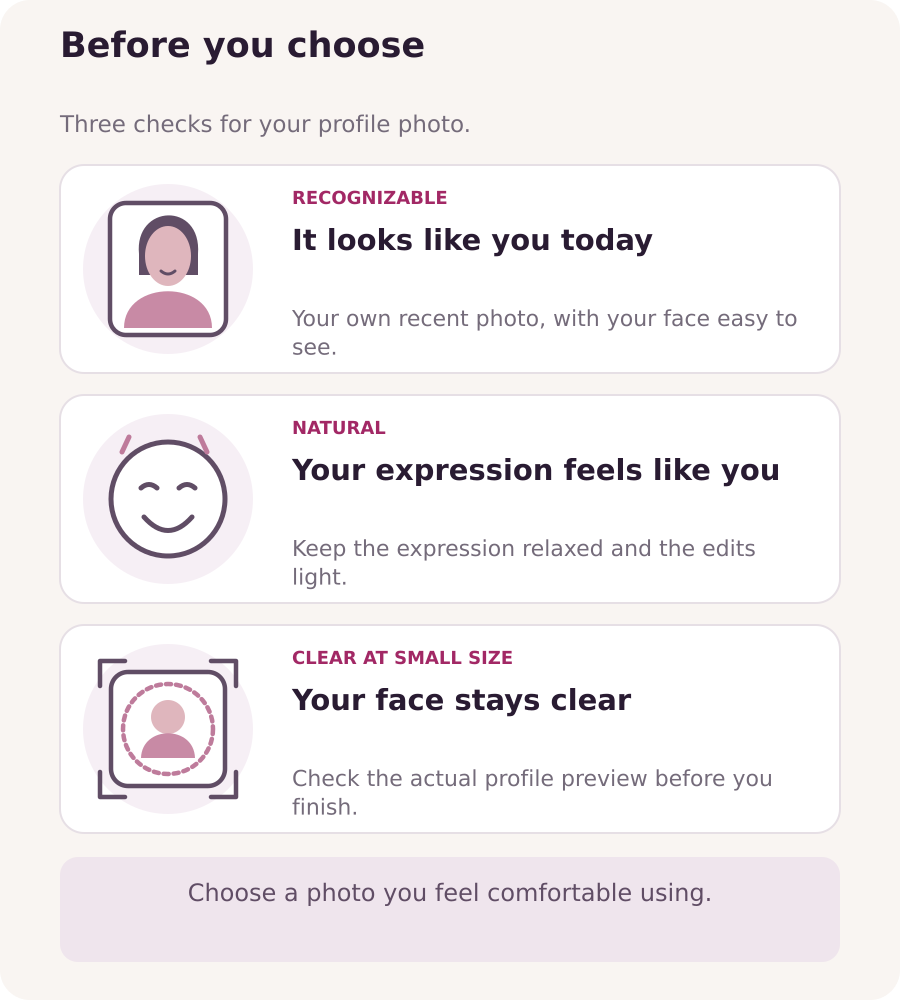
Choose a photo that reflects how you look now. Your hairstyle, facial features and overall appearance should be recognizable when you join a call. If your look has changed noticeably, take a new picture instead of relying on an old favorite.
Use a photo of you alone, with your face easy to see. Skip group shots, celebrity pictures, borrowed portraits and AI-generated replacements for your face. The portrait in this guide is an illustration; your own profile needs a real photo of you.
Let your expression show your personality
Try a small smile, a cheerful expression or a calm, confident look. Choose one that feels natural to you. You do not need a dramatic pose or a forced smile to look approachable.
Wear something you enjoy and would feel comfortable wearing on a call. Hair, makeup and accessories can reflect your style, but they should not hide your face. For your main profile photo, choose a fully clothed, non-explicit image; a private-chat choice does not determine what is suitable for a profile photo.
Compare a few options
Take a small set of pictures, changing your expression slightly between shots. Keep your usual setup so you can focus on choosing the expression, rather than changing everything at once. If you need help with light or camera setup, use those separate guides.
Narrow the set to two or three photos. Put them side by side and choose the one where you look most like yourself, your expression feels relaxed and your face is immediately recognizable. If they are equally good, pick the one you feel happiest using; there is no need to keep retaking it.
Check the small profile preview
A photo that looks good full-screen can become unclear when it is displayed as a small profile image. Reduce the preview and check that your face and expression still stand out. Avoid collages, text overlays and tiny details that only make sense when enlarged.
Check the crop the platform actually displays. If it uses a circle or square, make sure the edges do not cut into your eyes or mouth. Leave enough space to adjust the crop without losing the expression you chose.
Keep editing light
A small crop or a gentle brightness or color correction can help the photo reflect what you really look like. Avoid filters that reshape your face, change your apparent age or smooth your skin until it looks artificial.
Compare the edited version with the original. If the edit changes your features rather than simply making the photo clearer, step back. Keep the original file so you can make a different crop later without repeatedly editing a compressed copy.
Save it and check the result
Follow the file type and size requirements shown by the platform when choosing or uploading your picture. After saving, open your profile again and check the photo that is actually displayed. Confirm that it is the intended image, the crop works and the face remains clear.
If the platform gives feedback, correct that specific point. For an unclear message or a photo that does not update, contact support through “Messages”. To check for personal details visible in your photo, refer to the privacy and boundaries guide.
Once the photo represents you well, use it and move on. Refresh it when your appearance changes or when you have a better, equally natural picture.